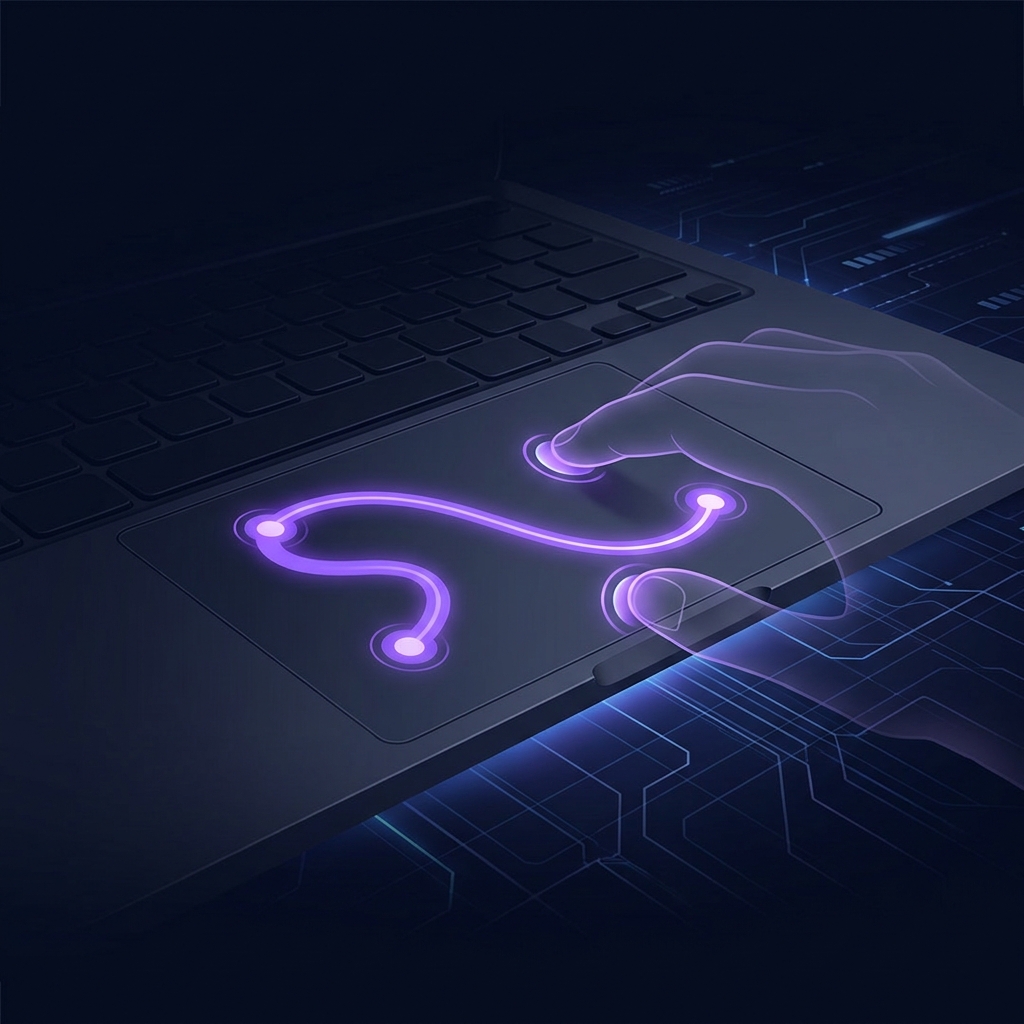
How to Test Your Laptop Trackpad Online — Fix Cursor & Touch Issues
⚡ Quick Answer
To test your laptop trackpad, use a free browser-based trackpad tester that detects touch input, tap-to-click, and gestures in real time. If the cursor moves but behaves erratically, it could be palm rejection settings or a dirty surface. If it doesn't respond at all, check if the touchpad is disabled in settings.
Your Cursor Is Jumping Around — Or Not Moving At All
Before assuming your hardware is broken, test your trackpad online. A browser-based trackpad tester lets you see exactly what your touchpad is detecting — every touch, tap, and gesture — on screen in real time.
👤 Real-Life Scenario
Maya, a graphic design student, kept accidentally clicking things while typing. A trackpad test revealed her palm was being detected even when she didn't intend to touch the pad. Adjusting the palm rejection sensitivity in her touchpad settings solved it completely.
How to Test Your Trackpad Online — Step by Step
- Open the Trackpad Tester — Works on any browser on Windows and Mac.
- Move Your Finger Across the Trackpad — Watch the line drawn on screen. Smooth and continuous means tracking works. Jerky or jumping means an issue.
- Test Tap-to-Click — Tap in different spots. If top corners work but the bottom doesn't, that zone may be worn.
- Test Multi-Touch Gestures — Try two-finger scrolling and pinching. Both contact points should show.
- Test the Physical Click — Press down and confirm the tester registers it.
Free Tool
🖰 Test Your Trackpad Now
Draw, tap, scroll — know in seconds if everything's working.
Open Trackpad Tester →Trackpad Troubleshooting Guide
Trackpad Completely Not Responding
Many laptops have an Fn key combination to disable the touchpad (e.g. Fn + F6). Press it again to re-enable. Then check: Windows: Settings → Bluetooth & devices → Touchpad → ensure it's On. Mac: System Settings → Trackpad.
Cursor Jumping or Moving on Its Own
Clean the trackpad surface with a dry microfibre cloth. Moisture, oil, and dust cause erratic tracking. Also update the touchpad driver via Device Manager on Windows.
Trackpad Too Sensitive or Not Sensitive Enough
Windows: Settings → Bluetooth & devices → Touchpad → Sensitivity slider. Mac: System Settings → Trackpad → Tracking speed.
Tap-to-Click Not Working
Windows: Settings → Bluetooth & devices → Touchpad → Taps → Enable "Tap with one finger to single-click". Mac: System Settings → Trackpad → Enable "Tap to click".