
How-To Guide
How to Test Your Laptop Keyboard Online (Free)
Press every key and see which ones register on screen. Identify stuck, broken, or unresponsive keys in under two minutes.
TestMyPC Blog
Step-by-step guides to test and fix your laptop keyboard, webcam, microphone, sound, and trackpad — free online tools, no downloads needed.
Press every key and see which ones register on screen. Identify stuck, broken, or unresponsive keys in under two minutes.
A 30-second browser test tells you instantly whether your camera hardware is working — or if the problem is in your app or settings.
A browser-based mic test gives you immediate, visual feedback — watch the meter respond when you speak and know instantly if your mic works.
If you hear sound in the browser test, the hardware is fine. If not, follow the targeted fixes for drivers, output devices, and audio services.
Watch exactly what your touchpad is detecting — every touch, tap, and gesture — in real time. Identify cursor issues before attempting any fix.
Perfect for Pomodoro study sessions, meetings, workouts, and cooking. Opens instantly in your browser with no downloads or account needed.
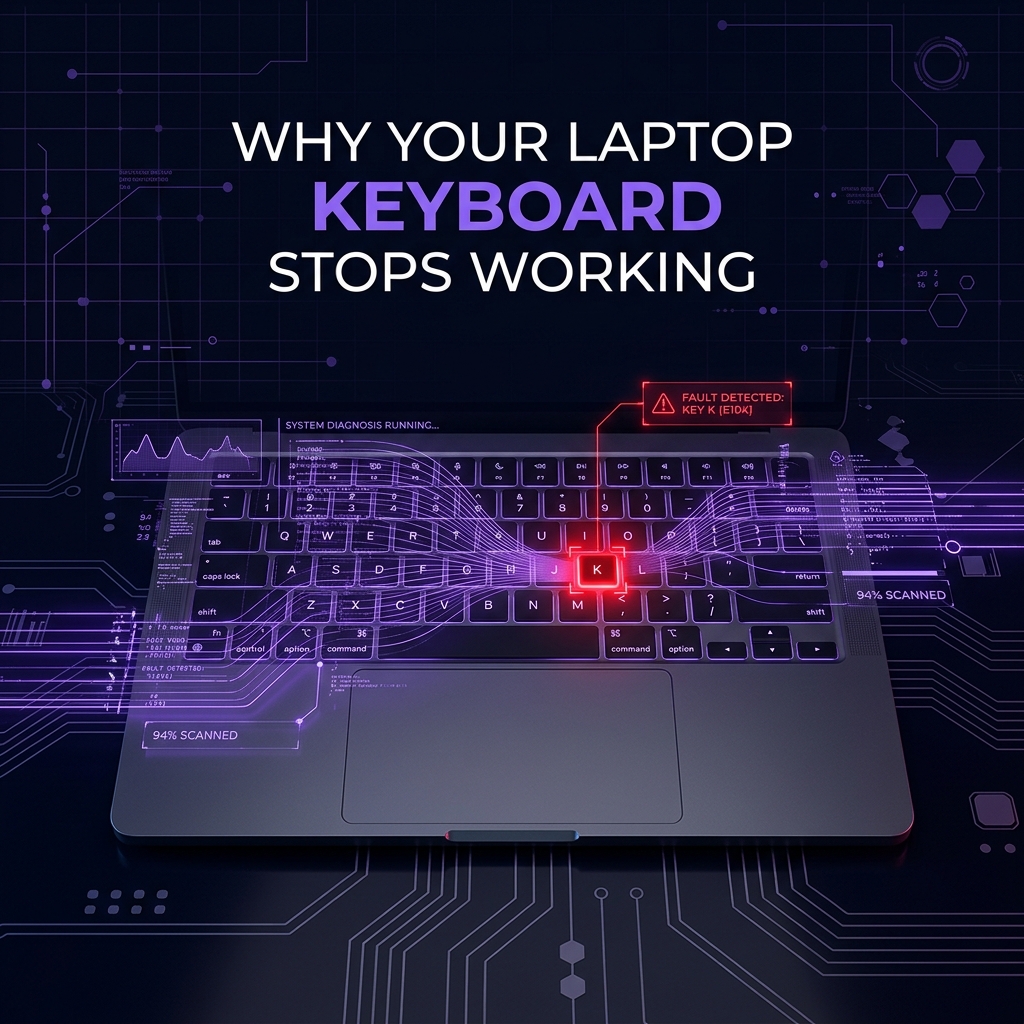
The pattern of which keys fail tells you everything. Run a quick keyboard test, then follow the targeted fix for software, debris, or hardware causes.
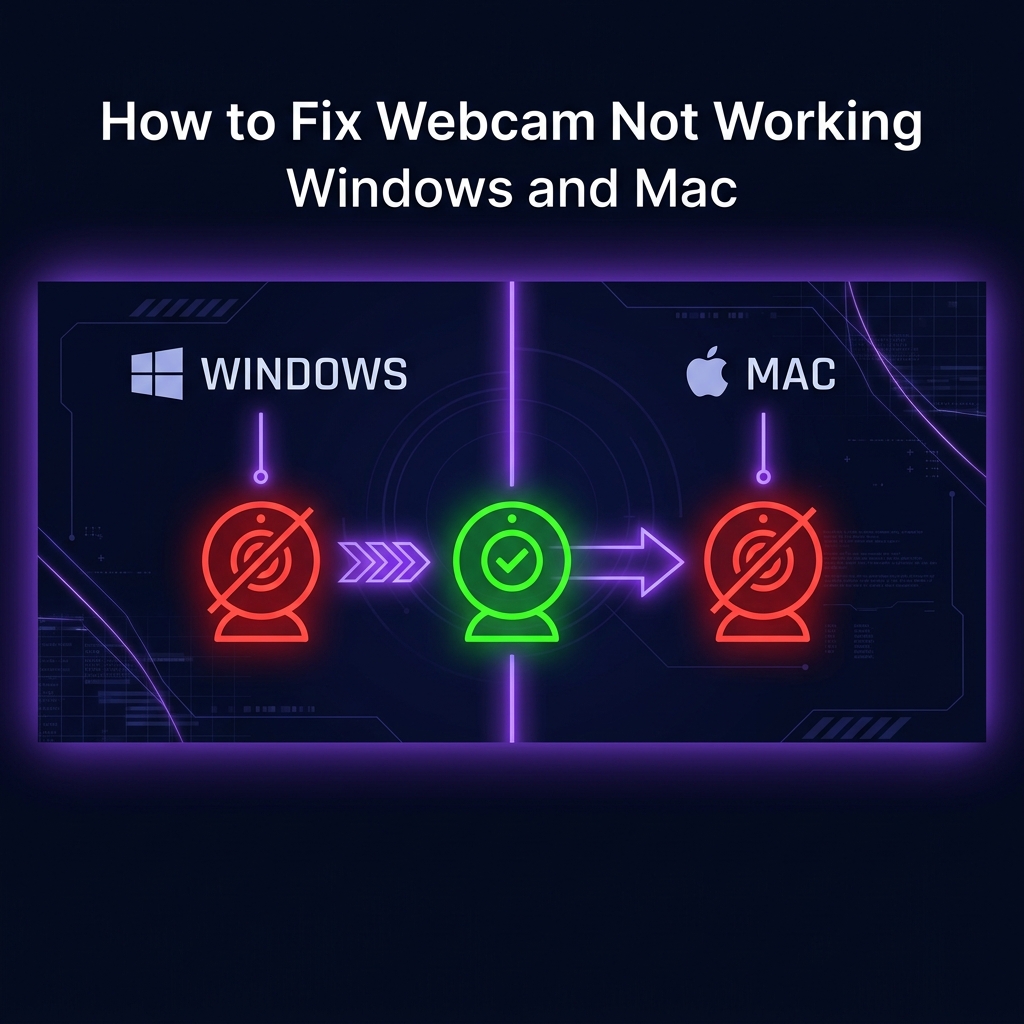
Complete cross-platform guide covering privacy settings, driver updates, app-specific fixes, and hardware diagnosis for both Windows and Mac.
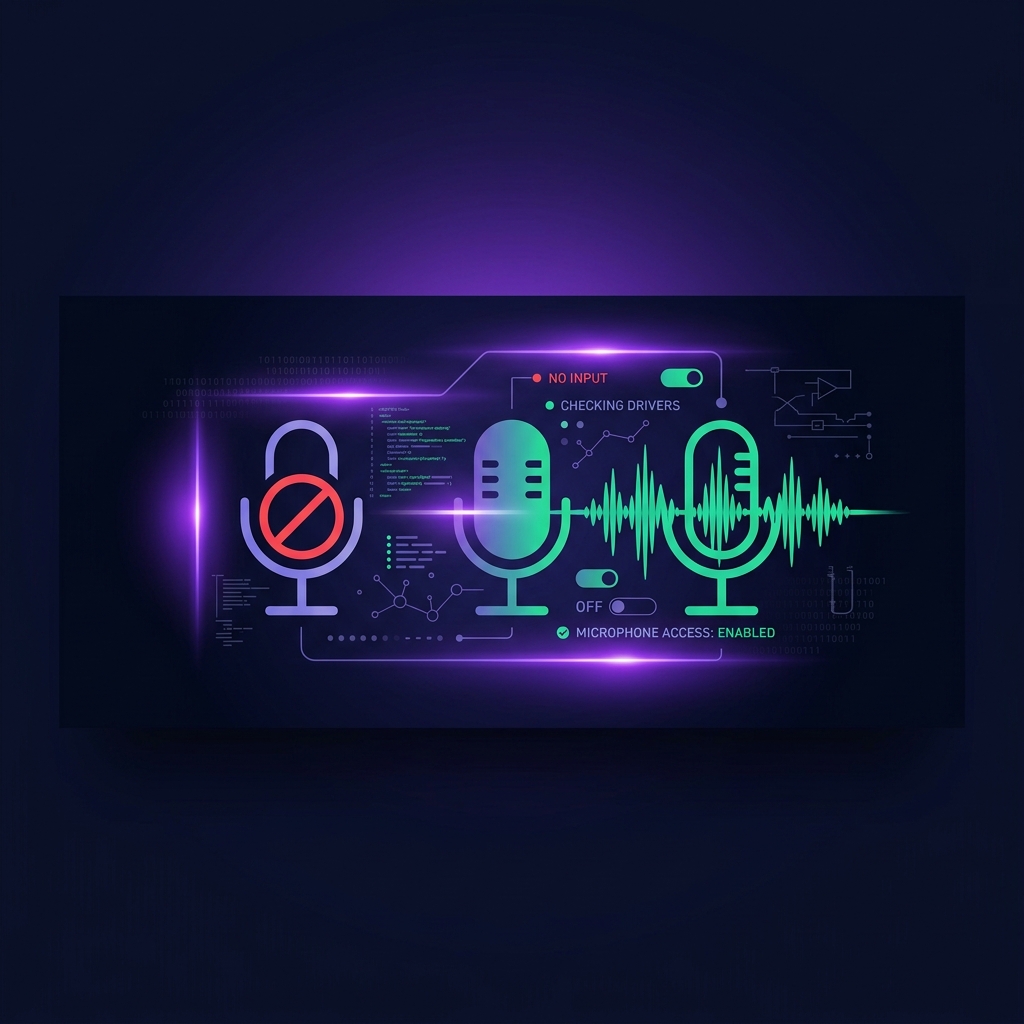
Covers all common causes — permissions, wrong input device, driver issues, and app-specific fixes for Zoom, Teams, and Discord.
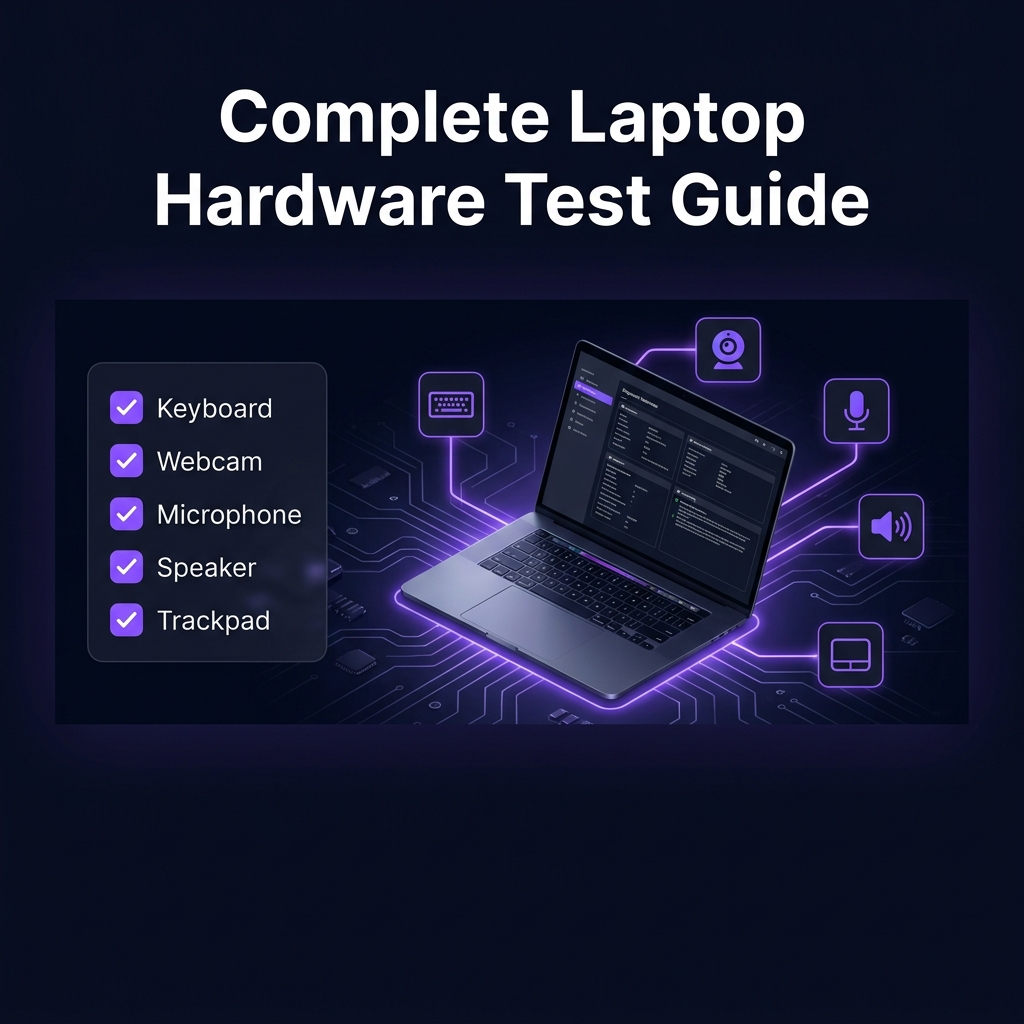
Five tests. Seven minutes. Full peace of mind. The essential pre-flight checklist before a presentation, exam, sale, or purchase.
To run a dead pixel test, display solid full-screen colours — white, black, red, green and blue — and scan the screen for dots that stay dark or stuck on one colour.
To test a monitor online, open a browser-based screen test and check five things: solid colours for dead pixels, gradients for colour banding, a dark screen for backlight bleed, a sharpness grid for focus and scaling, and fast motion for ghosting.

For most UK households, 30–50 Mbps download is comfortable for streaming and video calls, 100+ Mbps suits busy families and 4K streaming on several screens, and 500 Mbps or more is only necessary for very heavy use.

To test headphones online, plug them in, open a browser-based sound tester and play the left and right channels separately.

Five minutes before any video interview: test your webcam in the browser to check framing and lighting, speak into a microphone tester to confirm levels, run a quick internet speed test (3+ Mbps upload keeps video smooth), and open your meeting app's device settings to confirm the right camera and mic are selected.

A mouse that double-clicks on a single press almost always has a worn micro-switch that 'bounces' — sending two signals instead of one.
When Windows 11 has no sound, first run a browser sound test to confirm the problem, then check the output device (click the speaker icon and confirm the right device is selected), unmute and raise the volume mixer, and restart.
When a second monitor isn't detected, check the basics in order: power and cable fully seated at both ends, the monitor set to the correct input source, Win+P set to Extend (not PC screen only), then Settings → System → Display → Detect.
If your keyboard types @ when you press " (or £ gives #), your computer is set to the wrong keyboard layout — usually US instead of UK.
A quiet microphone is usually a low input level: on Windows 11 go to Settings → System → Sound → your microphone → raise Input volume (and test); on Mac, System Settings → Sound → Input → raise the slider.
If your camera won't work in Teams or Zoom, first test the webcam in your browser — if it works there, the camera is fine and the problem is app permissions or device selection.
Slow Wi-Fi is either slow broadband or slow wireless — and a two-step speed test tells you which: test wired (or right beside the router), then test where you normally sit.

In 2026: 8GB is the working minimum for light browsing and office tasks, 16GB is the sweet spot for most people including gamers and home workers, 32GB suits creators, developers and heavy multitaskers, and 64GB+ is specialist territory.
On Windows 11, right-click the Start button and choose System for CPU, RAM and Windows version; press Ctrl+Shift+Esc → Performance for live detail; and type dxdiag for graphics.

Before buying any used laptop, test the hardware in person with free browser tools: every key on the keyboard, the trackpad, the screen (dead pixels and backlight), webcam, microphone, speakers, Wi-Fi speed and battery behaviour — plus a specs check to verify the listing.
If your laptop still runs on a mechanical hard drive (HDD), swapping it for an SSD is the single biggest upgrade in computing: boots drop from minutes to seconds, apps open near-instantly, and the whole machine feels new.

Most laptops last 4–6 years of daily use; well-built machines that are looked after stretch to 8 or more.
On Windows, open Command Prompt and run powercfg /batteryreport — the saved report compares your battery's design capacity with its current full-charge capacity; the gap is your wear.
All tests run directly in your browser — no installs, no account, no fuss.